
Lithium-ion batteries are widely used in industrial tablets and mobile computing devices across manufacturing, logistics, healthcare, and field applications.
While these batteries provide mobility and flexibility, they are also consumable components that naturally degrade over time. Regular inspection and proper handling can help reduce safety risks and unexpected device downtime.
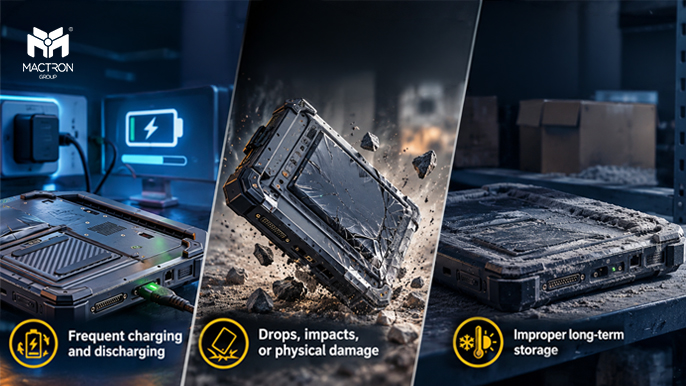
Battery aging is normal, but certain conditions may accelerate degradation, including:
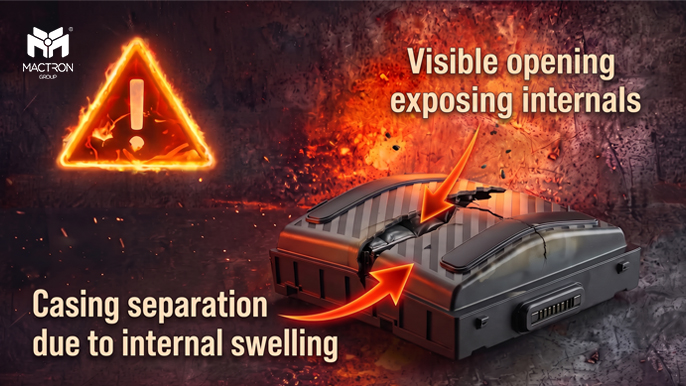
A battery should be inspected immediately if any of the following conditions appear:
If a swollen battery begins to push against the device enclosure, stop using and charging the device immediately.
If battery damage is suspected:
If the battery begins smoking, overheating, or burning, move away from the area and follow emergency procedures. Contact trained personnel or emergency services when necessary.
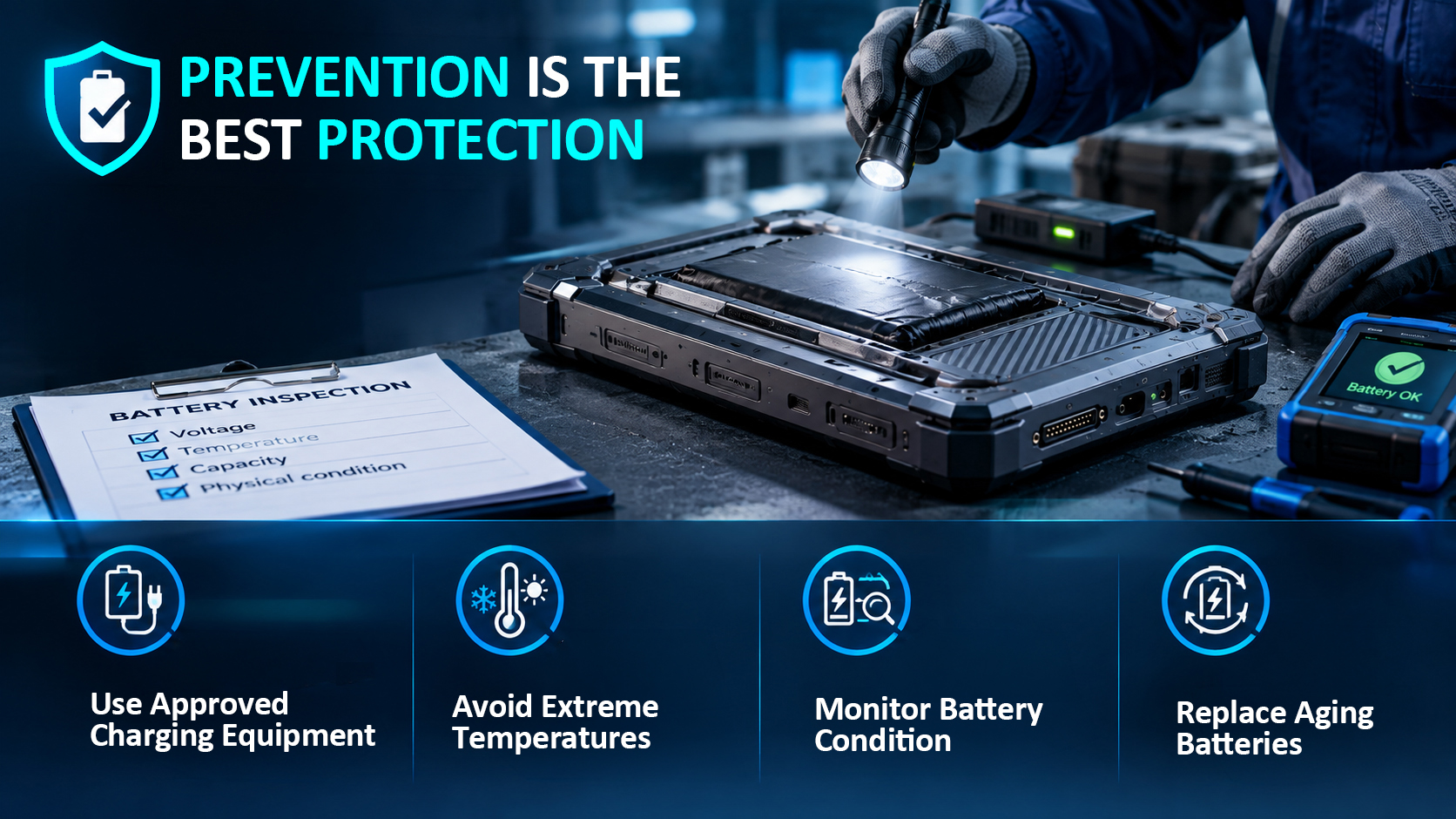
Regular battery inspection and proper maintenance can help reduce potential risks. Organizations should use approved charging equipment, avoid extreme temperatures, monitor battery condition, and replace aging batteries when necessary.
MTG Rugged Windows Tablet PCs such as the MAS1018 and MAS1107 are designed for industrial and professional applications. Proper battery usage and routine inspection are important parts of maintaining reliable operation throughout the device lifecycle.
Industrial mobile devices may remain in service for years, but batteries have a shorter lifecycle.
By following proper charging, inspection, storage, and replacement practices, organizations can improve safety, reduce unexpected downtime, and maintain more reliable mobile operations.
MACTRON GROUP provides mobile computing solutions for industrial and professional applications. For more information about MTG products, battery specifications, or device maintenance, please contact the MTG team.